Your CP Session Companion
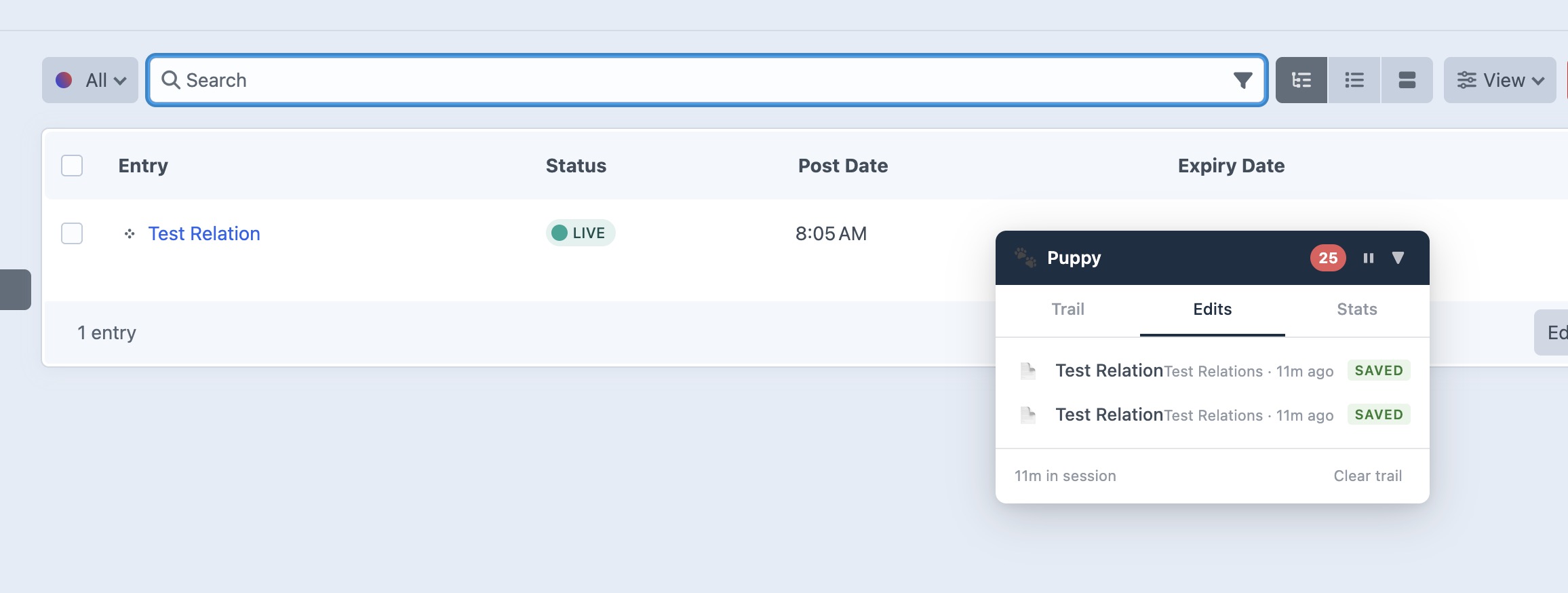
A draggable overlay that follows editors through their session, tracking visited pages, edits, and providing quick links back to recently worked-on locations.

See It in Action
The Puppy floating panel tracking your session in the Craft control panel.
Features
Everything you need to keep track of your editing session in the Craft CMS control panel.
Session Trail
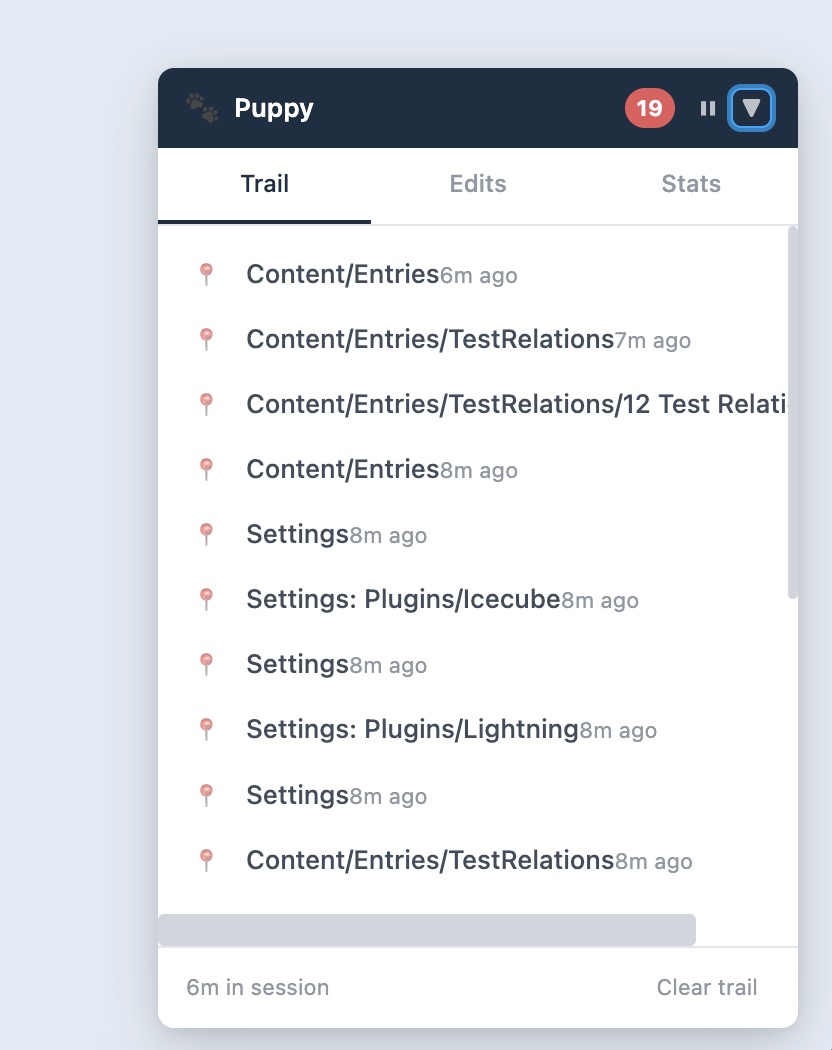
Records where you go in the control panel and normalizes routes into readable labels. Dashboard, Entries: Blog, Assets: Images — all at a glance.
Edit Tracking
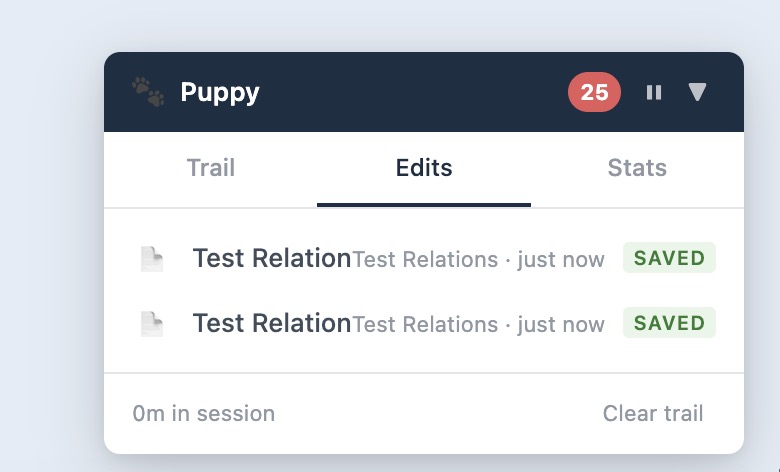
Listens for element save events and records them separately from page visits. Each edit captures the element type, title, action, and section context.
Floating Panel
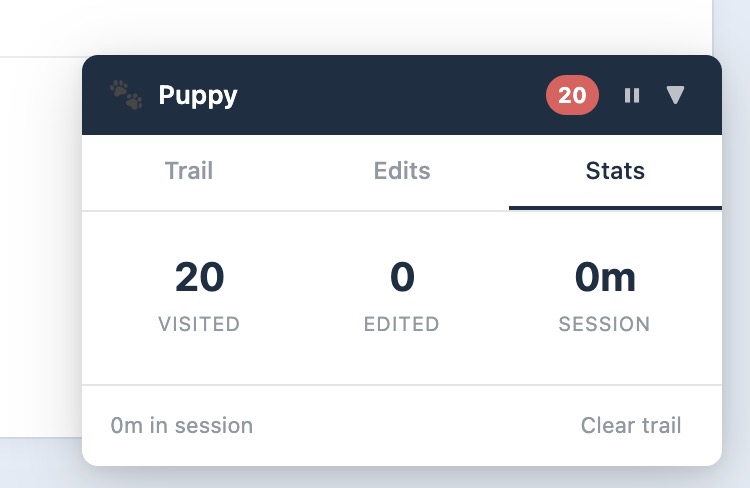
An overlay with Trail, Edits, and Stats tabs. See the last 25 pages visited, elements you saved, pages visited count, and session duration.
Collapse & Drag
Collapse to a small badge showing the paw icon and item count. Drag the panel anywhere on screen. Position and state are remembered via localStorage.
Pause & Clear
Pause tracking at any time without hiding the panel. Clear the session trail to start fresh whenever you need a clean slate.
Zero Configuration
Works out of the box with no configuration. Install and go. All data is stored in the PHP session and disappears when the session ends.
Ready to get started?
Install Puppy in your Craft CMS project today.